The useful shift: browser feedback without a context flood
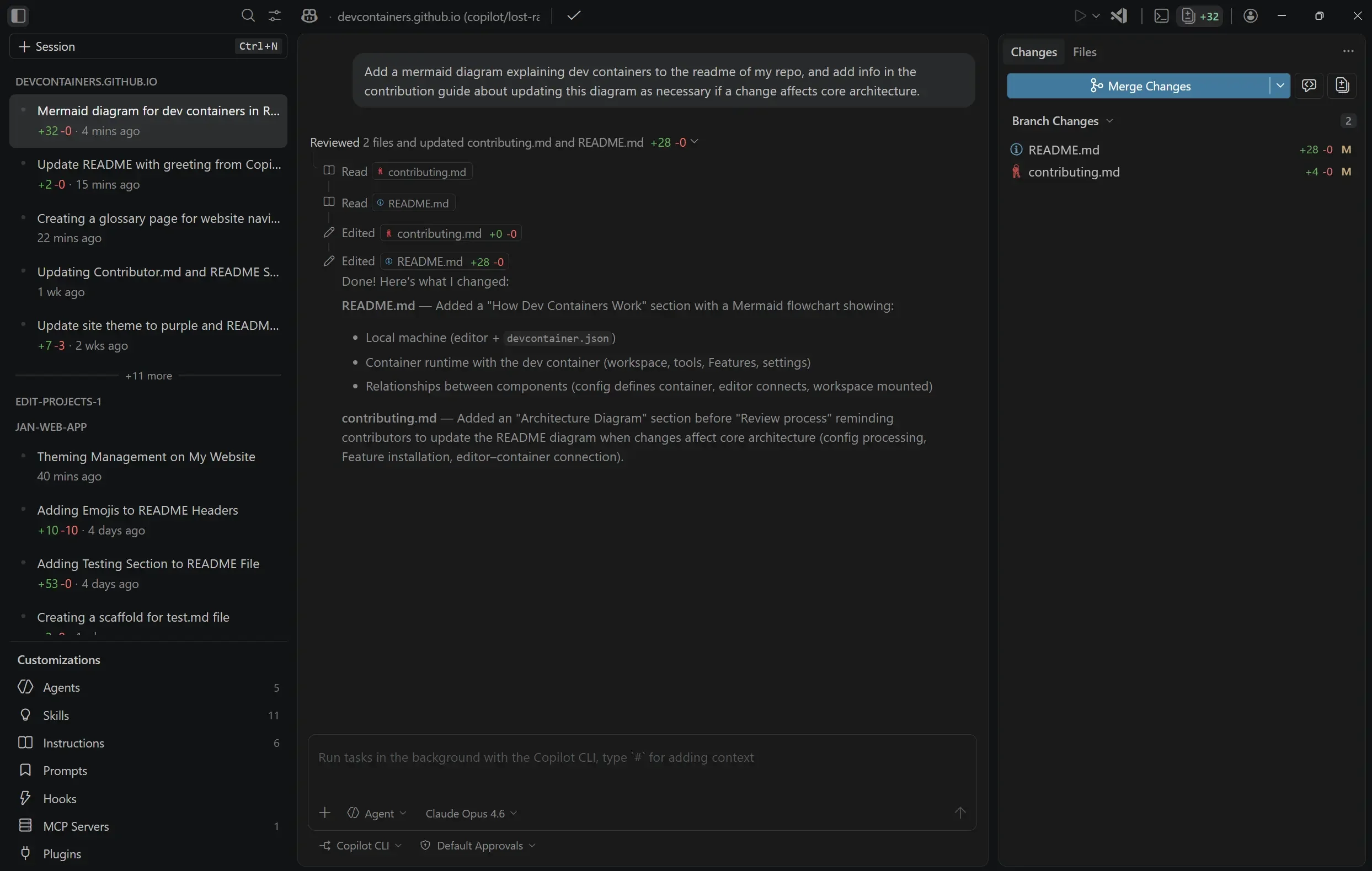
A coding agent can change a React component in seconds and still miss the broken journey that motivated the change. The missing capability is often not another model: it is a short, inspectable loop between the repository, a running application, and evidence that a human can review. Playwright CLI with skills is an interesting answer because it exposes browser work through terminal commands rather than requiring every interaction to arrive through a large MCP tool catalogue.
As checked on 21 October 2026, the project's release listing identifies 0.1.22, released on 28 September, as the latest release. This is a practical look at that tool, not an announcement of a release today. The important distinction from Playwright MCP is the interface and context strategy. Both automate a browser; the CLI lets an agent request narrow observations while keeping room for source code and debugging.
What the tool is, and what it does not replace
Microsoft's open-source package provides commands for navigation, element interaction, accessibility snapshots, screenshots, network inspection, tracing, and browser-session management. A skill supplies operating instructions and references that compatible coding agents can discover. The language model chooses an action, the CLI executes browser operations, and the result informs the next step. The browser retains session state between calls, even though each command looks like a separate terminal invocation.
This is not the same thing as Playwright Test. An exploratory conversation can help discover a regression and generate a candidate test, but it is not a deterministic regression suite by itself. Nor is a completed click proof that the business operation succeeded. The engineer must define the expected outcome, translate discoveries into assertions, and decide whether the resulting evidence justifies merging. Keep the exploratory assistant and the release gate conceptually separate.
Why the CLI approach deserves an evaluation
The maintainers position CLI plus skills as more token-efficient for coding agents because the interface avoids routinely placing large tool schemas and verbose page trees in model context. Treat that as an architectural rationale, not a universal benchmark. A workflow that repeatedly reads entire snapshots can still waste context. A carefully scoped MCP workflow may remain the better choice for rich, persistent exploration or an existing integration.
The useful experiment is therefore not “replace MCP everywhere.” Compare the same repository task with the same acceptance criteria. Record unnecessary browser calls, context consumed, latency, and human review time. CLI output is particularly attractive when the agent can save evidence to files and read only relevant sections. That advantage disappears if it blindly reopens every artifact. Interface design helps, but task discipline determines whether the tool actually improves throughput.
Install a known version and inspect the local contract
The official prerequisites list Node.js 18 or newer and a coding agent capable of terminal work. For a team pilot, use a supported Node release that meets your organization's policy rather than choosing an old runtime merely because it satisfies the minimum. The documented installation path is npm. To reproduce this evaluation baseline, run npm install -g @playwright/cli@0.1.22, followed by playwright-cli --help. The README, repository, and release links appear in the sources section.
From the pilot repository, playwright-cli install --skills installs the local skill. Review the generated files and permissions before approving them. The release notes describe narrower command preapproval; do not assume every skill copied from a moving branch has identical permissions. Inspect the installed artifact. If browser binaries or operating-system libraries are missing, follow the installed CLI's browser-installation help instead of guessing executable paths or disabling isolation to make an error disappear.
A first loop that is safe to understand
Begin with the public TodoMVC demonstration, not a production account. Run playwright-cli open https://demo.playwright.dev/todomvc/ --headed, then playwright-cli snapshot. Ask the agent to identify the task input from that snapshot, enter a uniquely named disposable item, mark it complete, and explain the observed state changes. The demonstration's reference IDs are examples, not stable identifiers to paste blindly into another page.
The operational rhythm matters more than the command count: observe, identify the intended target, act, and inspect the outcome. A successful command only confirms that an operation ran. Check the item text, completed state, filter behavior, and persistence expectations separately. End with playwright-cli close. These are documented walkthrough commands and proposed exercises, not measurements from a browser benchmark performed for this article. Use your own run to establish the baseline.
Use case one: turn a vague UI bug into a bounded diagnosis
Suppose a ticket says that saving settings sometimes leaves the screen unchanged. Give the agent a test account, an isolated environment, the affected route, and the expected saved value. Require it to reproduce before editing. It can combine a snapshot, playwright-cli console, and playwright-cli requests to distinguish a missing click target, a client exception, an authorization failure, and a successful response followed by stale UI state.
The deliverable should be a compact evidence bundle: starting state, exact steps, relevant request status, observed result, and a hypothesis tied to source locations. Only then authorize a minimal patch. Repeat the same journey afterward and add a regression assertion. This reduces the senior engineer's mechanical switching between editor and browser while preserving the reasoning checkpoint. If reproduction fails, report that limitation; do not let the agent invent a successful reproduction to justify its preferred change.
Use case two: make unhappy paths cheap enough to test
Teams often verify the happy path and postpone empty results, authorization failures, and unavailable services. Browser request routing makes those states easier to explore. The documented route, route-list, and unroute commands let a controlled session substitute responses. Ask the agent to inspect the actual request first, select a narrow URL pattern, and simulate one failure mode at a time in a non-production environment.
For a search page, useful questions include whether a failed response leaves a loading spinner forever, whether retry creates duplicate requests, and whether old results are misleadingly retained. Review the expected product behavior before changing it. Remove the route and rerun the ordinary flow afterward. Mocked browser behavior does not prove that the service contract or backend retry logic is correct. Pair these checks with API and integration tests rather than treating the browser's invented response as evidence about a real outage.
Use case three: review themes and responsive behavior with evidence
A styling change can pass functional checks while making a dialog unreadable in dark mode. The CLI documents commands such as set-color-scheme dark, set-reduced-motion reduce, and resize 390 844. Have the agent exercise a defined matrix: one critical form, a narrow viewport, a desktop viewport, and the supported themes. Save named screenshots, rather than dumping an unorganized gallery into the pull request.
Accessibility snapshots help identify roles and names, but they are not a complete accessibility audit. Screenshots likewise cannot establish keyboard operability or correct announcements. Add explicit focus and keyboard checks where relevant, and retain human judgment for visual quality. The productivity gain is preparation: the reviewer receives reproducible states and comparisons instead of having to construct every state manually. The agent should identify uncertainties, not label the interface accessible merely because its snapshot looks plausible.
Use case four: demonstrate a journey, then generate the test
Some workflows are easier to show than describe: a drag interaction, a nested settings panel, or a sequence that only a product specialist remembers. The CLI's release history documents recording-start and recording-stop for recording human browser actions and returning Playwright code. This creates an effective handoff: the human demonstrates intent, the agent proposes a maintainable test, and the engineer checks that the assertions match the requirement.
Do not commit a raw recording unchanged. Replace incidental navigation with fixtures, remove real account data, and select stable locators. Add positive and negative assertions that could detect the original defect. A generated test that reproduces clicks without checking an outcome is automation, not protection. Run it independently of the conversational session and confirm that it fails against the known-bad implementation. That last step is especially valuable when an agent wrote both the fix and the test.
Use case five: prepare a pull request a reviewer can evaluate quickly
Ask for one artifact per important claim: a before-and-after screenshot for a visual correction, a trace for an asynchronous failure, and test output for the regression. tracing-start and tracing-stop are documented commands; screenshots can be saved with explicit filenames. Name artifacts after the scenario and state, not just the time at which the browser happened to capture them.
The pull-request description should separate observations from interpretation. “The save request returned an error” is an observation; “the authorization layer is broken” is a hypothesis until supported by more evidence. Include environment, commit, browser configuration, mock status, and untested cases. Before sharing, inspect artifacts for tokens, personal data, and internal URLs. The win is not a longer AI-written description. It is less reviewer effort spent reconstructing what happened and more effort available for evaluating the actual design.
Keep exploration references out of durable test design
Snapshot references such as e15 are convenient handles for the current browser state. They should not become a long-term contract for your regression suite. Refresh observations after navigation or a significant rerender, and ensure the selected element still represents the intended action. A brittle agent can otherwise click a valid but semantically wrong target and confidently continue.
For maintained tests, prefer locators based on meaningful roles, accessible names, and explicit test IDs when appropriate. The CLI also accepts Playwright locators and provides a locator-generation command in its current documentation; check local help before using features from a moving branch. In Playwright Test, use awaited, auto-retrying assertions for eventual UI changes instead of arbitrary sleeps. The human reviewer owns the assertion: a robust selector cannot rescue a test whose expected result encodes the wrong business rule.
Sessions are a convenience, not an authorization boundary
The README explains that the CLI keeps the browser profile in memory by default, preserving cookies and storage between commands while the session lives. A persistent profile can survive browser restarts. Named sessions, selected with -s=, help separate projects or concurrent tasks. For example, playwright-cli -s=settings-check open https://example.com illustrates session selection; replace the destination with an authorized test environment.
Name separation does not guarantee that the surrounding process lacks access to other credentials, files, or networks. Use disposable accounts and dedicated working directories, and avoid attaching an agent to your everyday authenticated browser. Storage-state files are sensitive credentials in practice. Exclude them from Git, scope access, and rotate compromised sessions. Close the task's own browser when finished rather than casually using a global cleanup command that might terminate a colleague's or another agent's active investigation.
Make human intervention possible before it becomes urgent
The documented playwright-cli show dashboard lets a developer inspect active sessions and take over input. A visible browser is useful during onboarding or an ambiguous flow. Establish an intervention rule before handing over the task: stop at payment, deletion, permission changes, production access, or any operation outside the ticket. A dashboard makes intervention convenient; it does not enforce those rules by itself.
Use the coding agent's real permission controls and environmental restrictions to support the policy. Review command allowlists, keep secrets out of inherited shell environments where possible, and restrict outbound access using infrastructure rather than trust alone. Documentation warns that origin filtering is not a security boundary. Likewise, do not assume every launch configuration enables Chromium's sandbox: release notes describe Linux-specific defaults. Verify the resolved environment and use an isolated execution context with the protections your organization requires.
Web pages are data, even when they advertise tools
Recent releases support experimental WebMCP page-provided tools. These can expose a direct action instead of a sequence of clicks, but the page supplies the names, descriptions, schemas, and results. Treat all of them as untrusted content. A tool description asking the agent to upload a repository or reveal credentials is not a legitimate extension of the developer's instruction.
There is also a testing distinction: calling a page tool may bypass the very interface journey you intended to verify. Use a direct tool to prepare state only when that is authorized and explicitly recorded; test the UI through the UI when user interaction is the requirement. Disable collection of page-provided tools if the pilot does not need them, using the documented configuration for your installed version. Reduced clicking is valuable only when it preserves the intended test and does not quietly enlarge the agent's authority.
What 0.1.22 fixes, and why mundane details matter
The release listing highlights practical fixes: saving large find results to a file, reporting dialogs during navigation instead of timing out, surviving browser closure during downloads, and correcting stale-tab WebMCP behavior. It also documents expanded JavaScript globals for run-code, while keeping require and process unavailable. Those restrictions should not be mistaken for a complete security guarantee.
These details matter because fragile automation generates investigation overhead. A timeout caused by an unexpected dialog is not evidence that the application is slow. A stale-tab operation can invalidate an entire reproduction. Pinning the tool and browser baseline makes those distinctions easier to diagnose. Before upgrading, rerun a small representative workflow and inspect permission changes. The correct release policy is not “latest is safest”; it is “the evaluated version is known, and changes receive a proportionate check.”
Measure productivity at the engineering boundary
Start with a small pilot covering a UI regression, a failure-state review, and a recorded journey converted into a test. Compare with the team's ordinary process. Measure time to first reproducible evidence, total engineer attention, retained artifacts, reruns needed, and the maintainability of the resulting test. Track cost and latency separately from quality so a faster but less trustworthy result does not look like progress.
No percentage productivity gain is claimed here: these are proposed evaluation criteria, not measured results. The likely gains are reduced context switching, cheaper coverage of neglected states, and faster preparation for review. The limits are equally concrete: uncertain requirements, nonrepresentative mocks, incomplete visual coverage, permission exposure, and agent-generated assertions that simply agree with agent-generated code. Keep independent CI checks, code review, and release approval. The browser assistant should lower the cost of producing evidence, not lower the standard of evidence required.
A sensible adoption decision
Choose Playwright CLI when your coding agent already works in the terminal and needs selective browser feedback alongside repository work. Retain MCP where its stateful introspection and integration are a better fit. Neither interface should acquire production authority merely because it can operate a browser. Start with a disposable environment, a pinned package, an inspected skill, and one bounded task whose outcome an engineer can verify.
The resulting workflow is straightforward: the human specifies intent and risk limits; the agent explores and proposes; deterministic tests check repeatable behavior; the reviewer decides whether the change is right. That is a useful productivity tool for senior developers because it accelerates the tedious parts without pretending that technical execution and engineering accountability are the same thing.