Why Kiro deserves a senior developer’s attention
Kiro is AWS’s agentic development environment designed to turn a request into specifications, tasks, code, tests, and documentation. That positioning is interesting for an experienced engineering team because it moves AI value to the right place: less isolated line generation, more framing, controlled execution, and verification.
The promise is not to replace developer judgment. Kiro becomes useful when the developer remains responsible for intent, constraints, trade-offs, and final validation. The agent can explore the repository, propose a design, break down the work, modify multiple files, run commands, generate tests, and iterate on failures. But quality still depends on clear requirements, repository guardrails, and human review.
For a senior developer, that is exactly the right angle. Completion assistants speed up small keystrokes, but the largest gains often sit elsewhere: understanding an unfamiliar repository quickly, turning an ambiguous bug into a fix plan, producing missing tests, documenting a decision, preparing a readable pull request, and running checks before review. Kiro tries to industrialize that end-to-end flow.
What Kiro is
Kiro combines several surfaces: desktop IDE, CLI, web, mobile, and Crew workspace. The documentation describes a shared agent harness across those surfaces, with project configuration stored in .kiro/. In practice, that means you can start in the IDE, delegate a task from the terminal, or run selected actions non-interactively in a pipeline.
The most important building blocks are specs, steering, hooks, permissions, MCP support, specialized agents, and the headless CLI. Specs structure a request into requirements, design, and tasks. Steering gives the agent persistent knowledge of project conventions. Hooks trigger automated checks when the agent changes files or uses specific tools. The headless CLI lets teams insert the agent into CI/CD to review a PR, write tests, or investigate a build failure.
The key point is that Kiro is not just another chat box. It tries to preserve a traceable chain between intent, plan, changes, and validation evidence. That is exactly what is often missing in naive coding-agent usage: lots of output, very little explainability.
Installation and access
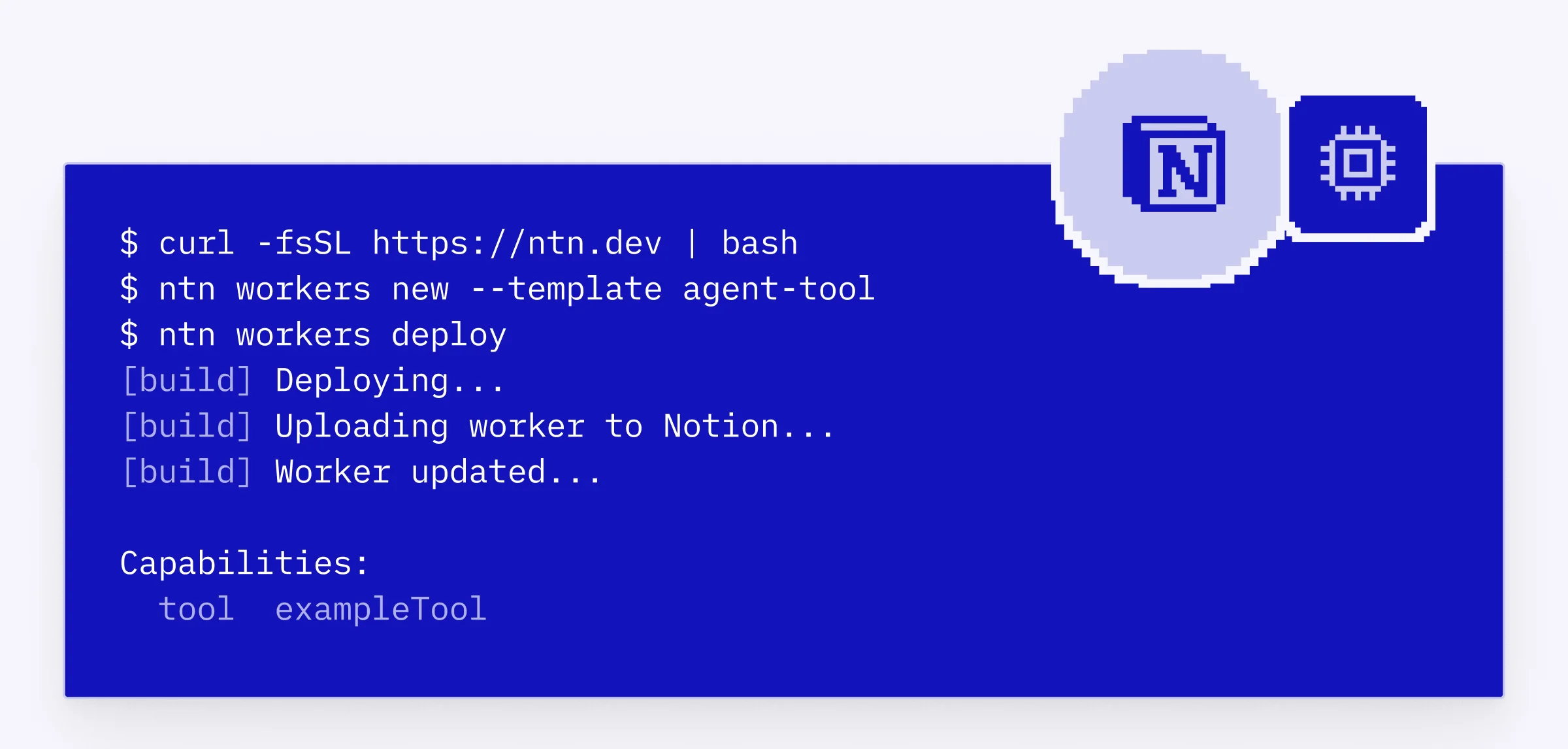
The simplest path starts on the Kiro website. The IDE is available for recent macOS, Windows, and Linux systems. The CLI can be installed from a terminal with curl -fsSL https://cli.kiro.dev/install | bash. The web surface requires no local installation. Users then sign in with a supported provider such as GitHub, Google, AWS Builder ID, or an organization identity.
For teams already using VS Code, the migration is less abrupt than a full environment change. Kiro is based on Code OSS and can import settings, themes, and Open VSX-compatible extensions. That does not remove the need to test integration on a real repository, but it reduces adoption friction.
I would recommend a gradual rollout. Start with a non-critical repository, create the foundational steering files, choose a bug or a small feature, and ask Kiro to produce a spec. Do not hand it a massive refactor on day one. First let the team measure the quality of the plans, diffs, and tests it produces.
Specs: the most important capability
Specs are the feature to evaluate first. A spec generally produces three files: requirements.md, design.md, and tasks.md. Requirements clarify what should change. Design describes the technical approach. Tasks break implementation into executable steps.
This structure makes agentic work far more usable. Without a spec, a prompt like “add rate limiting” can produce a plausible but incomplete patch: forgotten configuration, weak tests, inconsistent error behavior, missing documentation. With a spec, the team can review requirements before implementation, challenge the design, adjust task order, and decide which steps can be parallelized.
For a senior engineer, the gain is not only writing speed. It is reduced cognitive round-tripping. The agent prepares a structured plan; you correct it; it executes; you verify. The developer remains the architect while delegating part of the mechanical work of turning a plan into code.
Steering: making the agent consistent with the repository
Steering gives Kiro persistent rules as Markdown files. These files can live in .kiro/steering/ for a project or in ~/.kiro/steering/ for personal or team conventions. The documentation highlights files such as product.md, tech.md, and structure.md.
This is an underrated feature. Many agent failures come from missing repeatable context: API conventions, test style, library choices, error strategy, security constraints, and module organization. If those rules remain in senior engineers’ heads, the agent will violate them. If they are written and reviewed, the agent has a stable base.
A good steering set for a professional repository should include REST or GraphQL conventions, testing style, database migration rules, logging policies, security prohibitions, and how to write pull request descriptions. These files should be reviewed like code because they directly influence future changes.
Hooks: automating without giving up control
Hooks are another strong signal. A hook can run a command or inject a prompt when certain events happen, such as after the agent saves a TypeScript file. The use cases are concrete: run ESLint, format code, run a type check, generate a companion test, block a dangerous operation, or validate quality before a session ends.
This approach matches a simple rule: the more files an agent can modify, the more deterministic checks the environment should run. A model can reason, but a linter, compiler, contract test, and dependency scanner provide different signals. The best workflows combine both.
The developer still owns the scope. A poorly designed hook can slow the team or create a false sense of safety. Prefer fast, explicit, reproducible checks locally, and keep slower controls in CI.
Concrete use cases
- Onboarding on an existing repository. Ask Kiro to map modules, entry points, dependencies, and observed conventions, then turn that analysis into team-reviewed steering.
- Bug fixing. Provide logs, expected behavior, and suspected files. Generate a bugfix spec, require a regression test, then let the agent propose a minimal patch.
- Feature delivery. Use a feature spec to validate requirements before the agent writes code. This is especially valuable for multi-file changes.
- Bounded technical debt work. Delegate a local refactor with strict constraints: no functional change, existing tests preserved, readable diff, and a clear rationale.
- Pull request preparation. Ask for a description, risk list, verification commands, and manual review points.
- Headless CI/CD. Use the non-interactive CLI to review a PR, explain a build failure, or suggest tests, with limited permissions and properly stored secrets.
Realistic productivity gains
The most credible gains come from tasks that consume attention but little strategic decision-making: writing repetitive tests, updating documentation, finding impacted files, drafting a PR, running a command sequence, and interpreting errors. On those activities, a well-scoped agent can save tens of minutes per change.
On architectural work, the gain is different. Kiro does not replace the decision; it accelerates exploration. It can produce options, list impacts, identify affected files, and prepare a design. The senior developer saves time because they review a structured artifact instead of starting from a blank page.
The useful metric is not “how many lines the agent wrote,” but “how much cycle time was reduced without reducing quality.” Track time from ticket to PR, review rework rate, test coverage added, incidents related to assisted changes, and developer satisfaction.
Limitations and risks
Kiro is still a probabilistic agentic tool. It can misread a requirement, choose an unnecessary abstraction, over-generate, miss a domain case, or produce tests that validate its own misunderstanding. Specs and steering reduce this risk, but they do not eliminate it.
Teams also need to treat confidentiality as an architecture decision. AWS documentation notes that some content from free-tier and individual users may be used for service improvement, while enterprise options add more controls. Before using Kiro on sensitive code, verify the contract, data settings, identity policies, key management, and regulatory requirements.
Finally, autonomy should remain proportional. The headless CLI is powerful, but an agent in CI should not receive unlimited permissions by default. Limit tools, require security hooks, run tests, read diffs, and keep human approval for merging.
Recommended workflow
The workflow I would implement is straightforward: write or generate steering, create a spec, review requirements, review the design, let the agent execute tasks, run local hooks, run CI, ask for a PR summary, then perform a normal human review. If the agent touches security, data, or deployment, add a specialist review.
That discipline turns Kiro into a productivity multiplier rather than a black box. The agent works quickly, but the developer keeps the wheel. For a senior team, that is the compromise that matters: accelerate execution without abandoning technical responsibility.