Why Junie Local is worth a senior engineer’s attention
JetBrains has been moving Junie from “AI chat inside an IDE” toward a real coding agent that can plan, edit, run commands, debug, and work across the same project model a developer uses every day. The September update to Junie Local is especially interesting because it pushes part of that agent loop onto the developer’s own machine. Instead of treating local AI as a toy for small completions, JetBrains is trying to make local execution practical for multi-file maintenance work: repository exploration, repetitive refactors, test expansion, dependency upgrades, and debugging preparation.
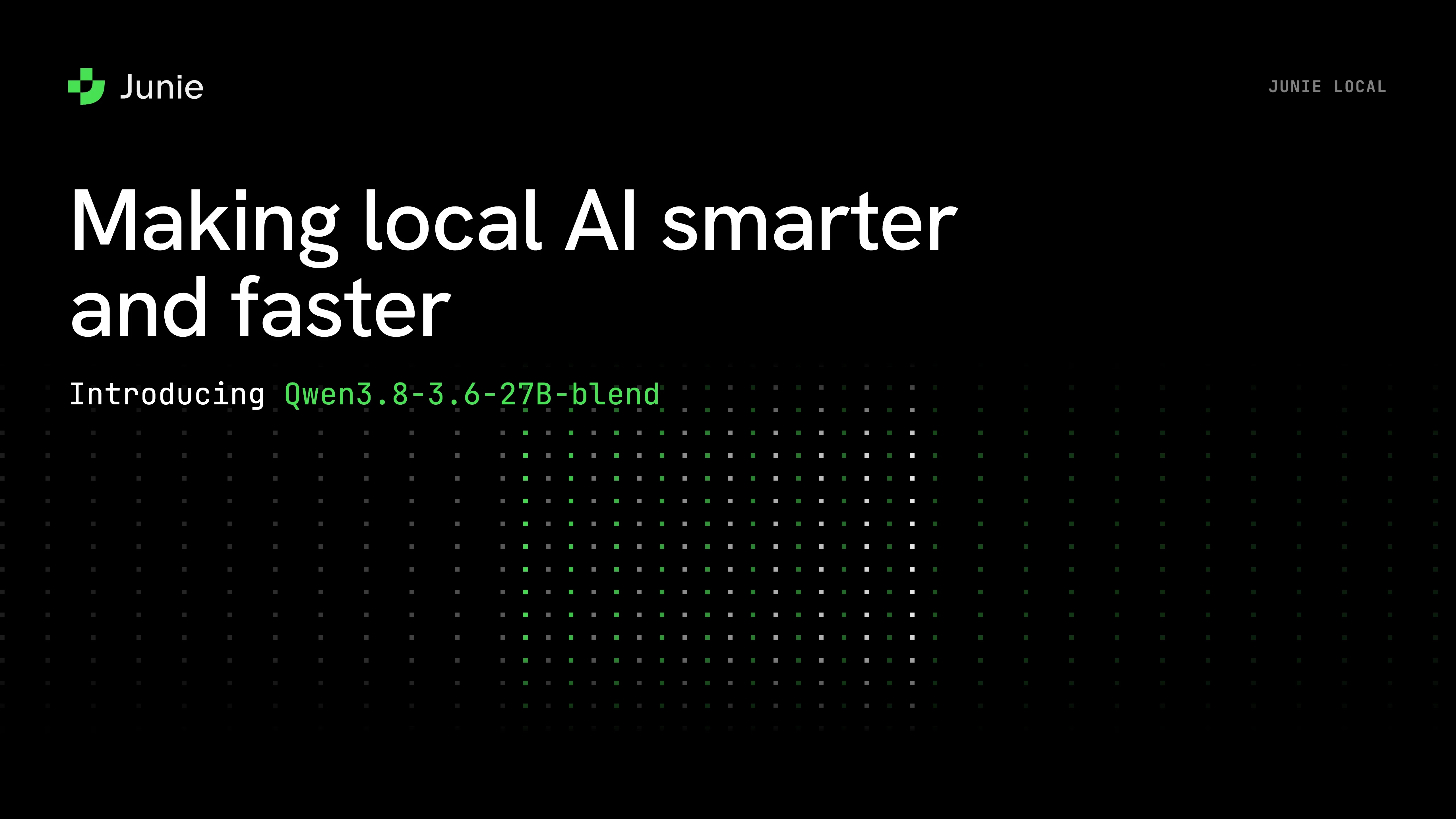
The concrete release is a new local model option called Qwen3.8-3.6-27B-blend. JetBrains says the model is built by merging two related 27B models in equal proportions, then tuning the runtime around agentic coding constraints. In its internal 100-task coding benchmark, the blend completed more tasks than the earlier Qwen3.6 setup and approached Qwen3.8 while using far fewer output tokens. The important practical point is not the leaderboard number. It is the direction of travel: local coding agents are being optimized for the expensive part of real software work, where the agent must read a lot of context, make several tool calls, and revise its plan without burning cloud quota on every iteration.
For a senior developer, that makes Junie Local less about replacing judgment and more about changing the cost model of delegation. If an extra pass over tests, migrations, or boring consistency edits costs almost nothing and keeps source code on the workstation, you can ask the agent to do jobs that were previously hard to justify with metered cloud credits. The human still decides what should ship. The agent becomes a local worker for tasks that benefit from persistence, repetition, and IDE context.
What the tool is
Junie is JetBrains’ AI coding agent. It is available through JetBrains IDEs and as a CLI, with documentation for terminal use, IDE use, headless mode in CI/CD, GitHub Action integration, and GitLab CI/CD integration. The product page emphasizes several capabilities that matter in professional engineering workflows: Advanced Plan Mode, live prompting, human-in-the-loop approvals, remote control, agentic debugging, custom guidelines, skills, subagents, and MCP integration.
Junie Local is the local-inference path for that agent. The August launch introduced a model that runs entirely on a supported Mac: no cloud credits, no token quota, and no source code sent to a remote model provider after the model is downloaded. The September update improves that local path with the Qwen3.8-3.6-27B-blend model and adds an experimental Windows nightly path for NVIDIA RTX cards based on Ampere or newer architectures with at least 24 GB of VRAM.
This distinction matters. Many “local AI” setups ask the developer to assemble a model server, pick a quantization, configure endpoints, and hope the agent behaves. Junie Local is more productized: open Junie, run the local command, download the model, and keep the same agent behaviors such as plans, guidelines, skills, and commands. In other words, the engine changes, but the workflow does not need to be rebuilt from scratch.
How to install or access it
The official Junie site currently presents a simple terminal installer for macOS or Linux:
curl -fsSL https://junie.jetbrains.com/install.sh | bash
JetBrains documentation also points developers to Junie CLI, Junie in JetBrains IDEs, headless mode, GitHub Action usage, and GitLab CI/CD usage. If you already live in IntelliJ IDEA, PyCharm, WebStorm, GoLand, Rider, or another JetBrains IDE, the natural starting point is the IDE integration because Junie can benefit from project indexes, run configurations, inspections, and debugger capabilities. If you prefer terminal-first workflows, the CLI is the more direct path.
For Junie Local specifically, JetBrains says Apple M5 users can start Junie and run /local to install and switch to the local model. The original local release required an M5 Mac with 64 GB of RAM and downloaded roughly 20 GB of model data. The September update keeps that Mac path and adds an experimental Windows nightly route for supported NVIDIA RTX hardware via junie --channel=nightly. That hardware floor is high, but it is also an honest signal: this is not a lightweight autocomplete model. It is an agentic coding setup trying to keep enough local capability for real repository work.
Teams should treat the first installation as an engineering evaluation, not a magic switch. Pick a representative repository, define a bounded task, run the agent under normal review rules, and compare the result against your existing cloud-agent or manual workflow. The useful question is not “can it solve everything?” but “which category of work becomes cheap, private, and repeatable enough to delegate more often?”
Concrete use cases for real engineering work
1. Repository orientation. When I inherit a service, I usually need a map before I need code. Ask Junie to inspect entry points, build files, test layout, API boundaries, and persistence layers, then produce a short architecture note. With local inference, this is a good first task because it requires reading many files but does not require the agent to make risky changes. The output can become onboarding documentation or a checklist for a human review session.
2. Test debt reduction. Senior engineers often know where coverage is weak but postpone the cleanup because writing conventional tests is repetitive. A local agent can draft missing unit tests, characterize legacy behavior, add fixtures, and run the relevant test target repeatedly. The developer’s job is to keep the boundary clear: approve the intended behavior, reject tests that simply freeze bugs, and ensure the suite remains maintainable.
3. Mechanical refactors. Renames, API migrations, DTO cleanup, dependency injection changes, and style normalization are exactly the kind of work that consumes attention without requiring deep product judgment at every step. Junie’s value is strongest when the desired transformation is explicit and verification is automated. Give it a plan, let it edit, require tests and linting, then inspect the diff.
4. Dependency and framework upgrades. Upgrades fail because there are many small incompatibilities, not because each individual fix is intellectually difficult. A local agent can read changelogs, attempt the upgrade, resolve compile errors, and iterate on failing tests. The human keeps control over upgrade scope, rollback strategy, release timing, and risk acceptance.
5. Debugging preparation. JetBrains positions Junie around agentic debugging: using the IDE debugger, breakpoints, stack frames, expression evaluation, and runtime state instead of only adding print statements. Even when you do not let an agent fully fix the bug, it can prepare a debugging session, identify likely code paths, reproduce a failing test, and collect evidence for the senior engineer to interpret.
6. Secure or client-sensitive work. The privacy angle is not a footnote. Some organizations cannot send source, prompts, or diffs to a cloud model without a procurement and legal review. A local option can make AI assistance available for codebases that were previously off limits, provided the team also controls telemetry, plugins, logs, and any external tools attached to the agent.
Workflow design: keep the human in control
The right pattern is not “let the agent loose.” It is structured delegation. Start with a written plan. Make the agent state the files it expects to touch, the commands it expects to run, and the tests it will use as evidence. Require approval before broad edits. Keep each task small enough that a reviewer can understand the diff in one sitting. For larger migrations, split the work into stages and commit after each verified step.
Junie’s Advanced Plan Mode is relevant here because it turns planning into an artifact rather than a transient chat message. A plan under .junie/plans can be edited, reviewed, committed, and reused as delivery documentation. That is a healthier interface for professional teams: the human approves intent before implementation, instead of auditing a surprise diff after the agent has already spent time and touched files.
The same principle applies to local models. Local execution improves privacy and cost, but it does not remove the need for review. JetBrains’ own post notes that the blend can still overthink when it struggles; their recommendation is to interrupt and restart with a narrower goal if it keeps revisiting the same approach without new evidence. That is exactly how experienced engineers should supervise agents: watch for loops, reduce scope, demand evidence, and stop the run when the agent is no longer making progress.
Limitations and risks
The first limitation is hardware. An M5 Mac with 64 GB of RAM, or a Windows machine with a recent high-memory RTX card for the nightly preview, is not the average developer laptop. Many teams will still rely on cloud models for the strongest reasoning tasks or for developers without suitable hardware. Local agents will be most attractive for teams that already buy high-end machines, work under strict privacy constraints, or run enough agent iterations that cloud credit cost becomes visible.
The second limitation is model capability. JetBrains is explicit that local Junie is useful for everyday engineering work but not always equal to the best frontier models on complex architectural reasoning. That matches how I would deploy it: use local mode for exploration, repetitive edits, tests, and private code scanning; switch to a stronger cloud model when the task requires broad design trade-offs or ambiguous product decisions.
The third limitation is verification. A local agent can still hallucinate APIs, misunderstand requirements, or produce a clean-looking diff that shifts behavior. The productivity gain only becomes real when the repository has fast tests, reliable linting, reproducible builds, and clear review ownership. Without those guardrails, the agent merely produces more code to inspect.
The fourth limitation is operational maturity. If teams connect MCP servers, databases, ticketing systems, or deployment tools, they must define permissions carefully. Local inference does not automatically mean safe automation. Tool access, file access, secrets, shell commands, and network calls still need policy. Senior developers should be involved in designing these boundaries before adoption scales.
Where the productivity gain comes from
The win is not that the agent writes code faster than a senior engineer types. The win is that it changes the economics of attention. A senior engineer can keep scarce focus on architecture, review, risk, and product constraints while delegating bounded implementation loops. The agent reads context, drafts changes, runs tests, and reports back. The human approves direction and decides what is good enough to merge.
Junie Local is particularly interesting because it attacks three adoption blockers at once: cost anxiety, privacy review, and iteration friction. If the local model is good enough for a class of work and every additional attempt is unmetered, teams can ask for more exploratory passes: “map the module,” “write the characterization tests,” “try the upgrade in a branch,” “reduce this duplicated boilerplate,” or “prepare the debugger and show me the failing path.” Some of those attempts will be thrown away. That is fine if the cost is low and the human remains in control.
My practical recommendation is to pilot Junie Local on maintenance tasks, not greenfield architecture. Choose a repo with a decent test suite, define two or three repeatable tasks, measure cycle time, review burden, and defect rate, and document the prompts and guardrails that worked. If the agent saves time without increasing review risk, expand to migrations and test debt. If it struggles, narrow the tasks or use it only for orientation and debugging support.
Bottom line
Junie Local’s September update is a meaningful signal for AI-assisted development: serious coding agents are moving closer to the developer’s machine, not just deeper into cloud chats. The current hardware requirements limit adoption, and frontier cloud models will still matter. But for senior engineers managing real codebases, local agent loops can unlock a useful productivity tier: private, repeatable, low-marginal-cost assistance for the unglamorous work that keeps software healthy.
The teams that benefit most will not be the ones that hand over control. They will be the ones that combine agents with strong plans, small diffs, automated verification, and human review. That is where AI tooling becomes engineering leverage instead of another source of unmanaged change.