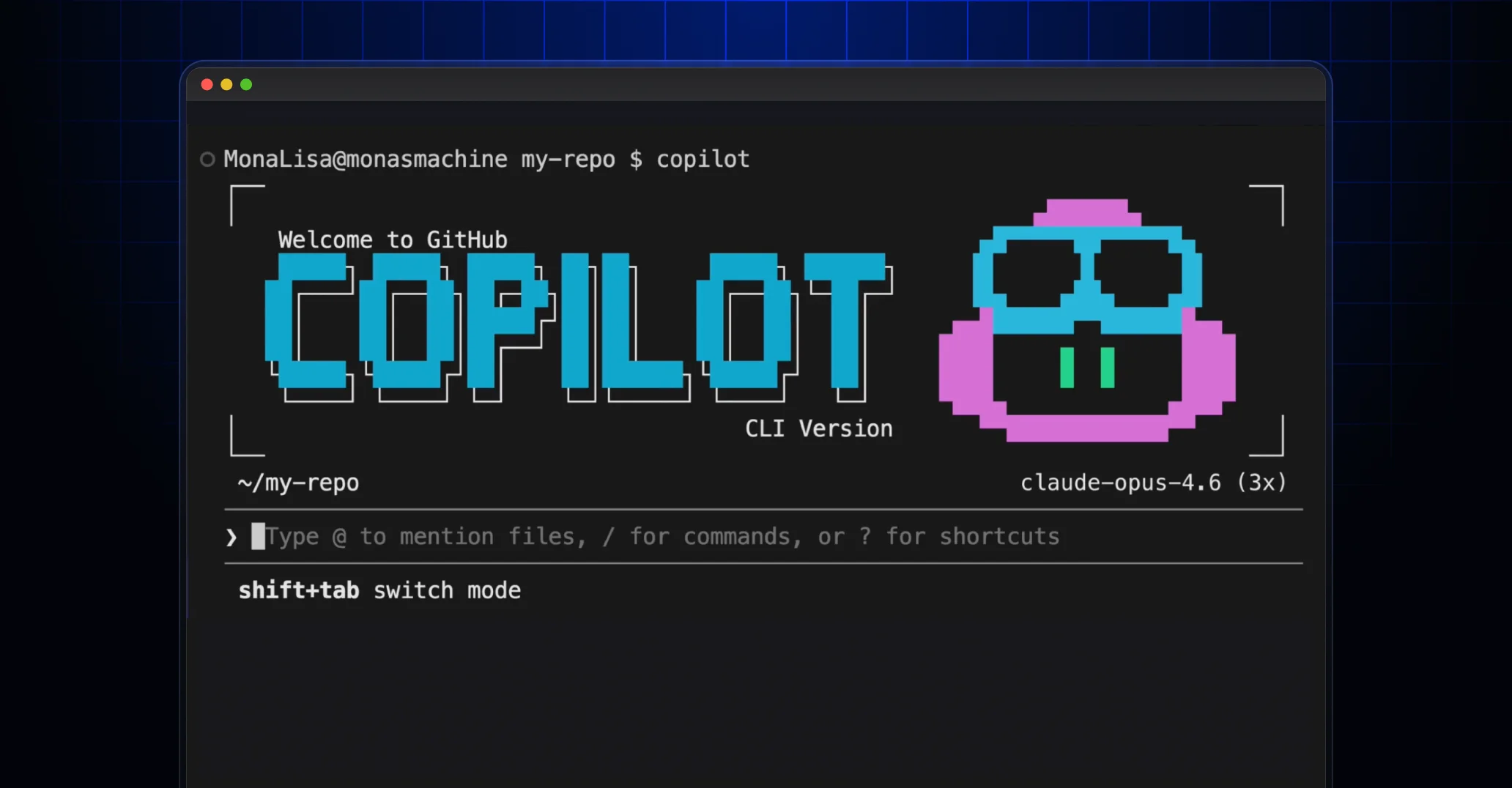
A terminal agent is useful when the evidence stays visible
GitHub Copilot CLI deserves a fresh look this week, not because of a spectacular demo, but because its November 4 prerelease fixes several problems that matter during real engineering work. Version 1.0.106-9 corrects patch line counts, warns about invalid configuration types, improves recovery in long conversations, and prompts before out-of-workspace access through dangling symbolic links. These are reliability and control improvements, not a promise that generated code is correct.
For a senior developer, the interesting question is therefore practical: can a terminal agent shorten repository exploration, debugging, testing, and review without making the change harder to trust? The answer depends less on a clever prompt than on the operating boundary around the agent. Keep the scope narrow, make evidence explicit, and preserve a human decision before changes reach a shared environment.
This guide describes documented capabilities and proposed workflows, not an authenticated hands-on benchmark. The examples are starting points to adapt to your repository. Productivity gains discussed here are potential gains to measure locally, not observed results from a controlled trial. The release discussed is a prerelease; teams should evaluate it separately rather than assume it is their production channel.
What the tool actually changes
Copilot CLI brings an agent into the command line: you can ask questions about a codebase, request changes, and let it propose or execute tool calls subject to its permission configuration. GitHub integration and MCP extensibility connect this workflow to repository context and other services. This is more than shell-command completion; it is also a larger trust surface than a passive answer box.
The immediate advantage is continuity. A developer investigating a failing test already has a terminal, a checkout, and build commands. The agent can help connect those artifacts without requiring the developer to reconstruct the whole problem in another interface. That can reduce navigation and transcription, particularly when the task spans code, configuration, and diagnostics.
Do not confuse convenient access with complete understanding. The agent sees the context supplied or retrieved, not the full history of product decisions. It may miss a contract enforced by another service or an operational constraint absent from the repository. Ask it to distinguish direct observations, assumptions, and unresolved questions. An answer that identifies a missing dependency is more useful than a confident implementation built on an invented one.
Install the stable channel before evaluating the prerelease
Start with the official installation documentation and the release repository linked in the sources. The npm route requires Node.js 22 or later and uses npm install -g @github/copilot. The documented Homebrew command is brew install --cask copilot-cli; on Windows, use winget install GitHub.Copilot. Choose the package manager your team already controls rather than introducing an unmanaged installation path.
If you deliberately want the prerelease channel, the npm command is npm install -g @github/copilot@prerelease. That channel can advance beyond the version discussed here. For a reproducible evaluation, select the exact release and platform asset, or use the documented VERSION option of the official installer. Review downloaded scripts before running them; a convenient installation command is not a reason to execute remote code as administrator.
Launch copilot inside a disposable checkout. Use /login when prompted and confirm that your Copilot entitlement and organization policy permit CLI access. Current installation documentation lists an active subscription as a prerequisite; verify your specific plan and administrative settings rather than assuming access from an IDE installation. For token-based authentication, follow the official fine-grained token instructions and keep credentials out of prompts and repository files.
Record the installed version, channel, operating system, selected model, and applicable policy alongside your trial notes. These details explain why two engineers may observe different commands or behavior. Check copilot help and the live documentation when examples differ from your installed build. Do not silently change your whole team's release channel to reproduce a prerelease improvement.
Build a safe working boundary first
Before the first substantial task, create a branch or separate worktree, establish the baseline test result, and remove production credentials from the process environment. A worktree separates changes; it is not a security sandbox. Build scripts still run with the account's privileges, and tools may reach networks or services that the account can access. Use an actual container or restricted execution environment when the repository or commands are not trusted.
Copilot asks whether you trust the working directory. Its usage documentation explains that it may read, modify, and execute files beneath that location. Start with trust for the current session, not persistent trust for every future checkout. Repository instructions and third-party files can contain misleading directions. Treat their contents as evidence to inspect, not as authority to expand permissions.
Approve commands individually while learning the tool. A session-wide approval for a tool can cover that tool with other options, not just the invocation currently visible. General shell or interpreter access can perform many actions behind one familiar command name. A request saying “do not deploy” helps communicate intent, but it does not replace missing credentials, restricted network access, protected branches, or release controls.
The dangling-symlink fix is relevant here: a boundary can fail through filesystem behavior, not only through an obviously dangerous prompt. Evaluate the specific fix in a test workspace if it matters to your threat model. Do not interpret one access-control correction as a comprehensive security audit of the product.
Use case 1: map an unfamiliar repository without changing it
Begin with an exploration-only request: “Trace how an incoming request reaches the persistence layer. Cite file paths and relevant symbols, list uncertainty, and propose no edits.” Attach a known entry point with @path when possible. The documented file-reference syntax lets you anchor the conversation rather than ask the agent to guess which subsystem matters.
The useful output is a compact dependency map: entry point, validation, business rule, storage boundary, and tests. Open the cited files yourself and verify the path through the application. If the agent cannot locate an authorization check, ask whether it searched middleware, framework configuration, and upstream services before accepting the claim that no check exists.
Then ask for the smallest reading order needed to implement a specific change. This turns a generic repository tour into preparation for real work. The potential saving is fewer blind searches and less context switching. The acceptance criterion is not a fluent architectural summary; it is a map that another developer can follow and validate against the current checkout.
Use case 2: debug from a failing observation, not a plausible story
Give the agent a sanitized failure log, the exact command that failed, and the expected behavior. Request three ranked hypotheses, the evidence for each, and the cheapest discriminating check. This prevents the common failure mode where a familiar exception message immediately produces an unrelated patch. Keep customer data and secrets out of attached logs.
For a retry bug, ask it to reproduce the failure with a focused regression test before altering the implementation. Review the assertion: does it encode the intended behavior, or merely the behavior the agent just invented? Approve the focused test command, preserve the failure output, and only then authorize the smallest change consistent with the hypothesis.
After the change, rerun the focused test and relevant neighboring tests. Record commands, exit codes, and any tests not executed. If an integration dependency is unavailable, the report must say so. “Looks fixed” and “unit test passes” are not interchangeable with “the production failure was reproduced and the regression is covered.”
A terminal agent can reduce the mechanical work of finding call sites and building a candidate reproduction. The senior engineer still owns causal reasoning: whether the failure matches the incident, whether the test exercises the actual boundary, and whether the fix changes behavior elsewhere.
Use case 3: refactor a narrow slice with explicit invariants
Use plan mode before editing; the official guide documents Shift+Tab to cycle into it. A useful assignment is: “Consolidate duplicate parsing in these two modules. Preserve public signatures, error categories, and ordering. No dependency updates, formatting sweep, or unrelated cleanup. Propose the plan first.” These limits make the resulting diff reviewable.
Ask the agent to identify the invariants that existing tests miss. For a parser, that might include empty input, invalid encoding, whitespace handling, and whether partial success is allowed. Human approval of those invariants matters more than approval of a list of files. A refactor that silently changes the contract is a behavior change regardless of how much duplication it removes.
Authorize one slice, inspect git diff, and run the repository's established checks. Do not accept a newly simplified test suite as proof that the refactor is safe. The likely gain is faster implementation of repetitive edits; the constraint is that review effort must remain smaller than the work saved. If the patch grows beyond the agreed boundary, split or abandon it rather than increase trust to match the agent's momentum.
Use case 4: produce a review packet instead of an approval
Ask the agent to review a branch against a specific base revision and return only actionable findings with file location, failure scenario, and supporting evidence. Prioritize authorization, compatibility, migration order, and error handling over stylistic preferences. Require it to distinguish confirmed defects from questions requiring a domain owner.
The most useful handoff packet contains the intent, changed contracts, commands run, results, remaining risks, and rollback considerations. Let the agent draft that packet from the diff and tool outputs, then verify every claim. A generated summary should never say that a check passed because the agent intended to run it or because an earlier conversation reported success.
Keep automated review advisory. The authoring agent and reviewing agent may share assumptions, even when presented as different roles. Independent CI, a human reviewer, and ownership rules supply different evidence. The productivity opportunity is reducing preparation and triage, not replacing accountable approval. A clean AI review cannot authorize a production release or a security exception.
Add LSP and MCP only when they solve an observed gap
The repository documents LSP configuration for symbol information and diagnostics. Language servers are not bundled: install the server appropriate to your language and configure the documented user-level or repository-level file. For TypeScript, the README illustrates typescript-language-server and a repository configuration at .github/lsp.json. Check /lsp to inspect status rather than assume semantic navigation is active.
MCP can connect the agent to additional context and actions, but each server is another dependency and permission boundary. Start with a narrowly scoped read-only integration, review its implementation and authentication, and test what data it can access. Retrieved issue text or documentation is untrusted content, even when it arrives through an approved server.
Do not connect deployment, package publishing, and production database access just because the agent supports extensibility. First prove that better symbol navigation or a limited documentation lookup removes a real bottleneck. Add capabilities incrementally, record who owns each integration, and preserve a way to disable it without breaking the basic development workflow.
Reliability fixes are useful, but not correctness guarantees
The November prerelease makes several visible signals more trustworthy. Correct patch line counts improve review summaries. Configuration warnings reduce the risk of believing a setting took effect when a type error caused the file to be ignored. Long-conversation recovery can avoid a dead end when requests become too large. None of these changes proves that a proposed patch meets the specification.
Recovery also needs operational discipline. When historical context is trimmed, restate the current scope and acceptance criteria before continuing a delicate task. The same release notes say ACP cancellation stops the active turn while background tasks and shell commands remain running. Do not assume that canceling a conversational operation terminates every process or reverses its effects; inspect activity before restarting work.
Other limits remain familiar: incomplete repository context, nondeterministic model behavior, unavailable services, plan restrictions, and changing usage costs. Large or sensitive codebases also require a review of data handling and organizational policy. Keep sensitive material out of prompts unless its use is explicitly authorized under the relevant agreements. Choose the tool for a bounded engineering task, not as a substitute for missing tests or unclear ownership.
Measure accepted outcomes, then decide what to standardize
Run a small pilot across representative tasks: a repository investigation, a reproducible bug, a narrow refactor, and a review packet. Record active engineering time, waiting time, human review time, rework, and whether the result was accepted. Compare similar tasks and note differences in complexity; a small pilot is not a statistically decisive benchmark.
Count the cost of checking the agent's work and recovering from mistakes. Faster first drafts are not a productivity win when reviewers must reconstruct every claim. Conversely, a repository map or rejected hypothesis can be useful even if no code is generated. Look for repeatable reductions in search and verification friction, not a high volume of generated lines.
Standardize only the workflows that survive this test. Keep a short team template covering scope, allowed actions, forbidden side effects, expected evidence, and the human approver. Reevaluate after meaningful CLI or model changes. The practical conclusion is simple: let Copilot CLI accelerate investigation and implementation, while humans retain ownership of requirements, trust boundaries, merge decisions, and releases.